Why do users abandon flows you thought were seamless? Learn how usability testing surfaces hidden friction, turns guesswork into evidence, and transforms your product into an intuitive user delight.
“Design is not just what it looks like and feels like. Design is how it works.”
— Steve Jobs, Former CEO of Apple
A few months ago, a SaaS team watched half its paying customers abandon full carts. They had already tuned ads and pricing, so the marketing crew was sure the leak came from the product itself. A short usability testing session revealed the problem: a “Guest Checkout” toggle was pushed below the fold on mobile. Moving that single switch lifted revenue by 40% in one week.
That quick win sums up the power of digital usability. In the following guide you’ll learn what usability testing is, when you need it, and how it can unlock growth for both websites and software products.
What Is Usability Testing?
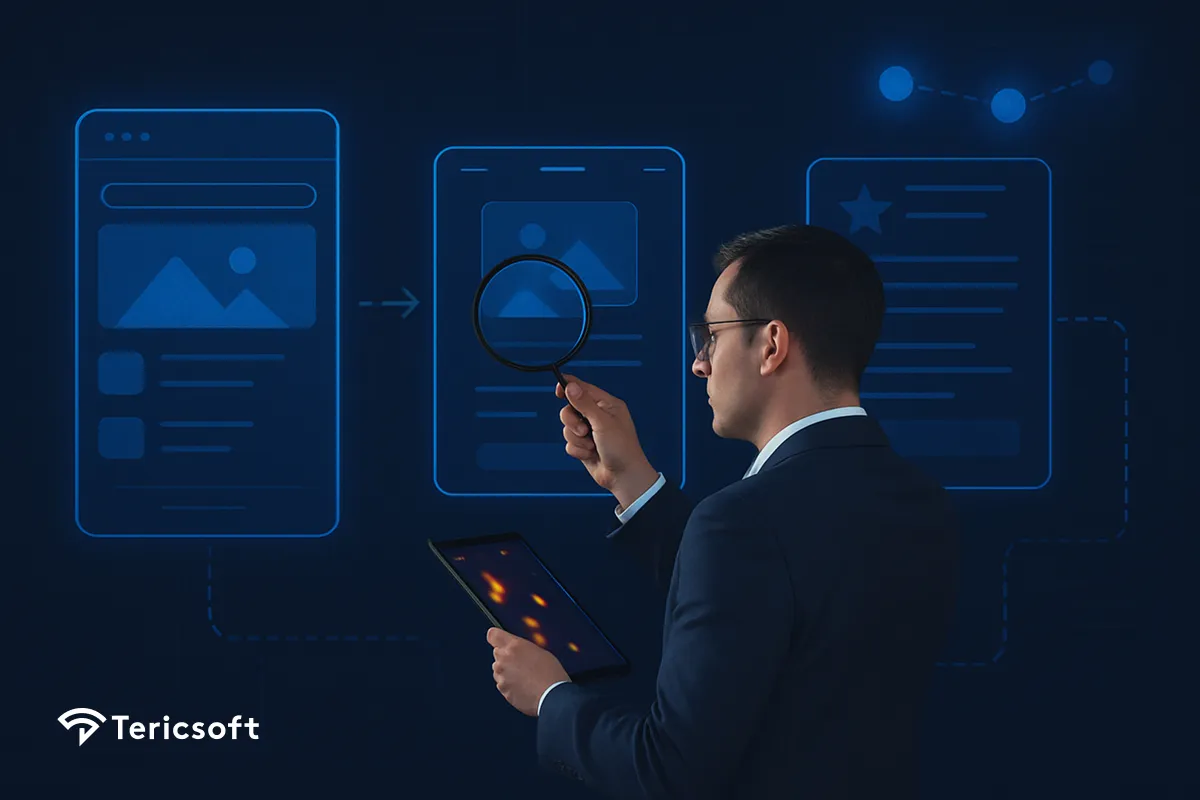
Usability testing is a structured way to watch real people use your digital product and discover where they get stuck.
Instead of asking, “Do you like this screen?” users are given a goal “Buy a T-shirt” then track:
When the session ends, we don’t get opinions we get hard evidence of friction that can be fixed in the very next sprint.
How is Usability Testing Performed?
Usability testing asks real people to perform everyday tasks sign-up, search, payment while you observe where they pause, click blindly or give up. By focusing on behavior instead of opinion, it exposes bottlenecks invisible to analytics dashboards.
Digital teams run three core formats:
- Moderated sessions (live or remote) for deep think-aloud insights.
- Unmoderated tests that replay hundreds of journeys at scale.
- A/B experiments that prove which design fixes actually move metrics.
When insights flow into design sprints quickly, the product feels effortless, trust rises, and support tickets disappear.
How User Experience Helps Drives Growth to your Digital Product?
Great journeys feel invisible; bad ones shout and cost you money.
- In web retail, 88% of shoppers say they will not return after a poor online experience.
- Companies in the top quartile grow revenue 32% faster and reward shareholders 56% more than the market.
- A research shows every $1 put into UX returns up to $100 in value.
Put simply, usability testing converts guesswork into predictable revenue.
When Should You Test your Digital Product?
Think of usability as a smoke detector: small issues spotted early avoid big fires later. Schedule a round when you notice any of signals like these:
- High exit rates on key flows (sign-up, search, checkout)
- A spike in support tickets for “simple” actions
- A redesign or feature release is coming up
- Accessibility complaints or poor mobile scores
- Product debates driven by opinion rather than evidence
If one or more apply, a focused test now is cheaper than a full re-build later.
From Insight to Impact
Usability fixes don’t just feel nice; they pay the bills.
- Checkout UX improvements lift conversions 35% on average.
- A Great Design Thinking practice cuts design time 75% and delivers products 2X faster.
- IBM reports an ROI of around 300% for its design thinking program.
These numbers prove that usability testing is one of the highest-ROI activities a digital team can run.
“Good design is hard to notice; bad design screams its flaws.”
— Don Norman, Director of The Design Lab at University of California
Future of Usability Testing: How AI Is Super-Charging UI/UX Design?
A new wave of generative and predictive AI tools compresses weeks of detective work into a single afternoon. A forecast report says that that, by 2026 AI will reshape 70% of the design and development effort for new web and mobile apps.
Here’s how Tericsoft weaves AI into a Smart Audit that moves fast and hits hard:
- Heat-map mining – Computer vision clusters dead-clicks and hesitation zones in minutes.
- Predictive risk scores – ML flags screens are most likely to bleed users, so teams fix the biggest holes first.
- Contrast & clarity checks – Automated WCAG scans catch low-contrast text and icons before launch, safeguarding accessibility.
- AI layout generator – Model-powered wireframes suggest cleaner flows, letting designers compare options instead of starting from scratch.
- Auto-gated A/B rollout – Traffic shifts to the winning variant in real time, so improvements become permanent without analyst babysitting.
The result? Hypotheses validated before lunch, updates shipped by dinner.
The Tericsoft Sprint: Usability in Two Weeks
Day 1–3 | Discover
We interview users, replay sessions, and benchmark your funnel against industry leaders.
Day 4–6 | Diagnose
Each friction point receives a revenue-loss tag so teams know exactly what to tackle first.
Day 7–10 | Design & Validate
Low-fidelity prototypes move straight into AI-assisted A/B tests—only winners advance to code.
Day 11–14 | Deploy & Monitor
Dashboards stream live usability KPIs, and our team stays on call to refine as data rolls in.
What’s Next for Digital Product Usability
- Predict-and-prevent UX debt – Always-on ML alerts flag issues before customers notice.
- Voice, AR and multimodal journeys demand new testing scripts beyond the screen.
- Continuous audits plug usability checks into CI/CD, making “broken flows” a thing of the past.

Usability testing observes real users to identify friction points and improve product usability through behavioral insights, not just opinions.
Real users are asked to complete key tasks while observers note struggles, confusion, or drop-offs to uncover where the experience breaks.
Great UX increases trust, reduces frustration, and leads to higher conversions, repeat usage, and better retention in competitive markets.
It should be done early and often—during design sprints or before launch—to catch usability issues before they impact real users.
The main types include moderated tests with guidance, unmoderated self-guided sessions, and A/B testing to compare user responses.